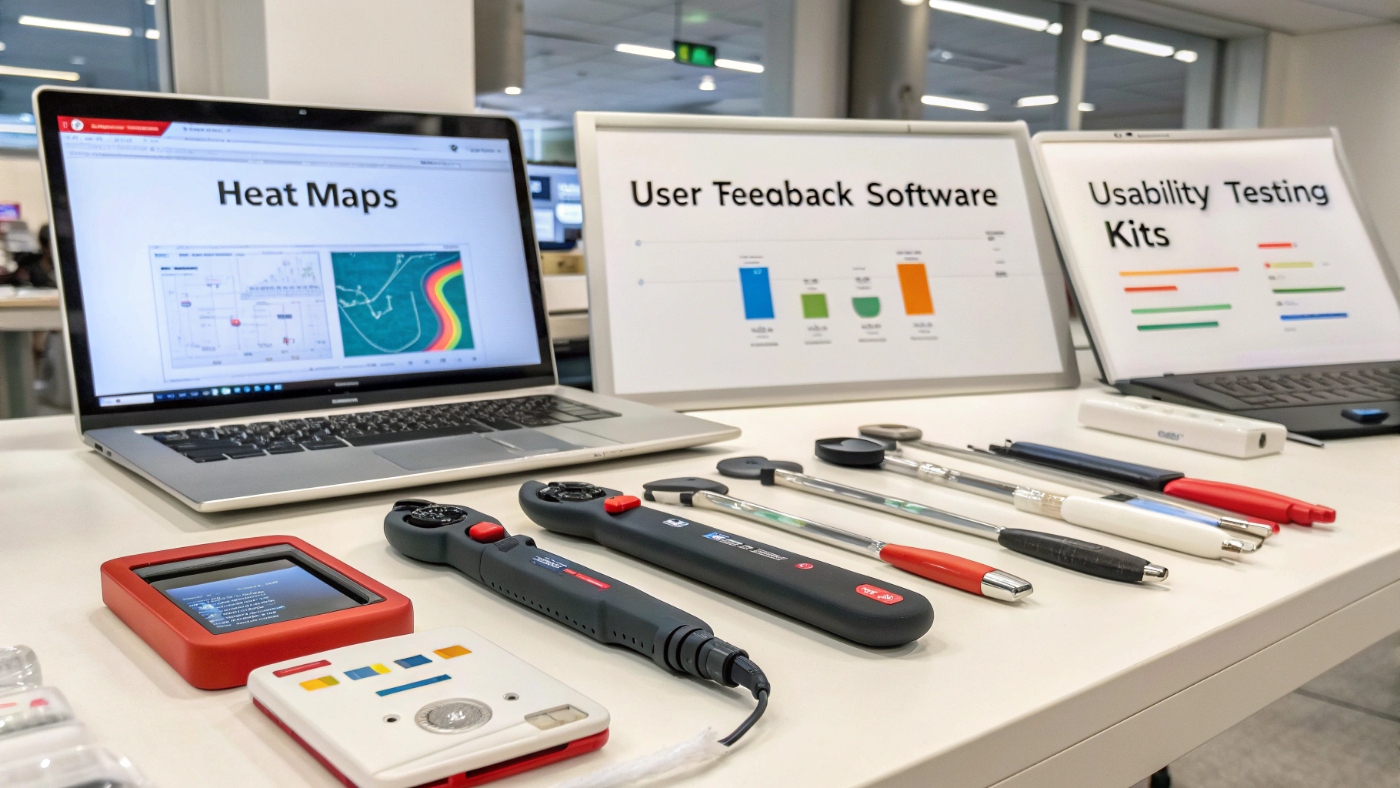
Want to make your website more user-friendly and boost your sales? That’s where we use ux testing tools. These tools help us see how real people use your site and show us what to fix. With the right ux testing tools, you can keep visitors happy, help them do what they came for, and get more sales. Ready to meet seven amazing tools that do just that? Let’s go!
What Are UX Testing Tools?
So, what are ux testing tools? They are tools that let us watch how people use a website or app. They show where people click, where they get stuck, and what they like best. Knowing this helps us make better design choices that make users smile, and convert.
Here’s why these tools matter:
- They help us understand where users get confused.
- They show patterns in how people click or move through your site.
- With those insights, we make smart changes that lead to happier users and higher conversions.
UX insights from these tools are like gold, they help designers, ux audit teams, and ux testing services spot problems before they cost you customers.
Why You Need UX Testing Tools to Boost Conversions
Using ux testing tools is like having a secret map to your user’s heart. They help you:
- Find spots where users get annoyed or leave.
- See what works and what doesn’t.
- Make improvements that keep people coming back.
Here are some quick stats: smarter ux testing tools can boost conversion rates by up to 30–50%. Not bad for a little testing! And the benefits go beyond money: better user experience means people stay longer, trust your site more, and become loyal fans, exactly what ux design services aim for.
7 Brilliant UX Testing Tools That Will Boost Conversions Fast
Maze — Comprehensive User Behavior Insights
- Features: import your prototype, run tests, see heatmaps, A/B comparisons, and AI summaries.
- Best for: designers who use Figma, Sketch, or Adobe XD.
- Pros: fast feedback, no code needed, smart insights. Cons: may cost more for larger teams.
Tip: great if you want quick, reliable user data that helps your ux audit process.
Lookback — Simplify Usability Testing
- How it works: record users in real time or unmoderated; see what they do live or later.
- Use case: ideal for teams that want to watch user actions and ask questions on the fly.
- Pricing: starts affordable, with options up as you grow.
Try linking to your ux agency pages since real user feedback helps them validate design ideas.
Hotjar — Visualize User Journeys Easily
- Features: heatmaps, scroll tracking, session recordings, and feedback polls.
- Benefits: see exactly how people move, click, and feel.
- Perfect for: conversion-based optimization, ux testing services, or landing pages.
PlaybookUX — Real-Time Feedback and Surveys
- How it shines: auto recruits users, runs tests, captures video feedback.
- Integrations: works with surveys or clips.
- Great for: teams wanting fast responses from real users.
Loop11 — Advanced A/B Testing Capabilities
- Why split-testing matters: it shows which page or design converts better.
- Features: prototype testing, heatmaps, and AI summaries using GPT-4.
- Tip: test one change at a time to get clear results.
UXtweak — Mobile-Friendly UX Testing Solutions
- Importance: so many users are on phones!
- What it tracks: task times, journey maps; lets you test iOS, Android, even TestFlight.
- Helps make sure experiences stay smooth across devices.
UserTesting — End-to-End UX Analysis Platform
- Features: video sessions, AI-powered highlights, integrations with design and feedback tools.
- Insights: turns raw behavior into clear themes you can act on fast.
- Perfect when you need a full-range testing platform for scaling businesses.
How to Choose the Right UX Testing Tool for Your Website
Think about these things when choosing ux testing tools:
- Budget: free or low-cost tools vs. enterprise ones
- Ease of use: does it need coding? is it simple?
- Integrations: does it fit your workflow or ux design services stack?
- Goals: quick feedback vs. deep insights
Quick checklist:
- Mobile testing available?
- AI insights or manual only?
- Easy setup?
- Fits your team size and budget?
Example:
- Startups might love Maze or Hotjar for fast input.
- UX agencies might pick UserTesting or PlaybookUX for clients.
- Mobile app teams benefit from UXtweak.
Pro Tips to Maximize Results from UX Testing
- Set goals first: know what you want to test navigation? form flow?
- Use both numbers and words: watch videos, read comments, and track metrics.
- Test often: even weekly mini-tests can keep you improving.
When you see results: act quickly. Small tweaks can go live fast and lead to better user flow.
Common Mistakes to Avoid When Using UX Testing Tools
- Don’t ignore mobile testers, half of users are on phones!
- Don’t just watch stats, talk or read what people say too.
- Don’t jump to conclusions, let the data guide you before big changes.
Final Thought
Using the right ux testing tools puts you ahead. These tools help you see how real users behave, learn what they love or hate, and make smart changes that boost conversions and happy visitors. Want better usability, higher engagement, and more conversions? Pick one, run a test, and watch your site get better every day.